Start with what matters
Get an introduction to Blender for 3D printing and make your first design.
BLENDER FOR 3D PRINTING
Learn the Blender skills you actually need to turn your ideas into designs you can 3D print — even if you're starting from scratch.
A PLACE TO LEARN AND MAKE
A free, beginner-friendly community for people who want to learn Blender specifically to design their own 3D prints.
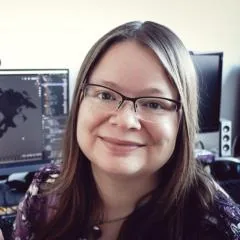
Janine Pauke, the maker behind Liandi Design, created the Lab to make the path from “I have an idea” to “I made this” easier to follow. Start with the essentials, make a first design, ask for help with your projects, share what you create, and join regular themed challenges.
Join the Community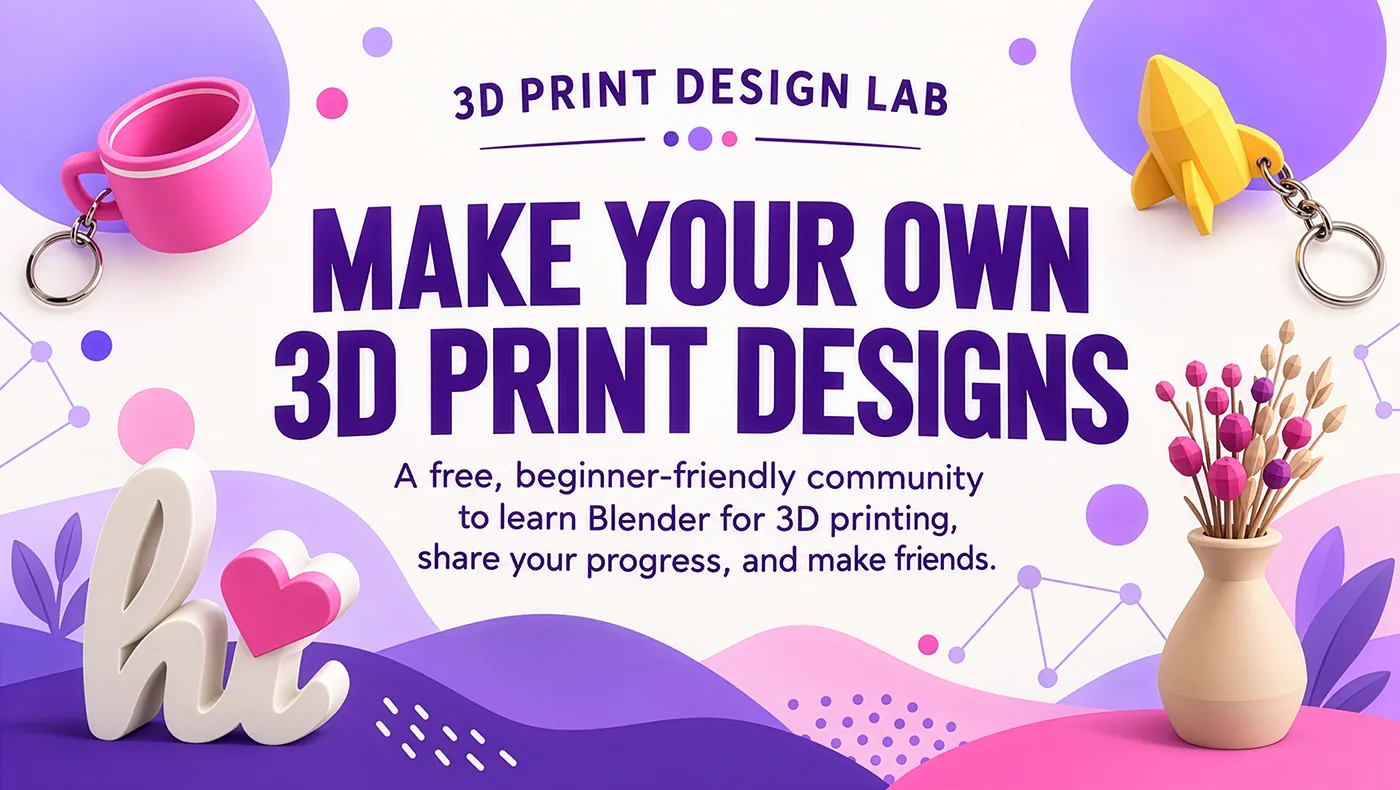
Artwork from the official 3D Print Design Lab community.
A CLEARER WAY IN
Blender can do almost anything. Your first goal is much smaller: make something you can print.
That means getting comfortable with a few useful modeling tools, understanding size and shape, and checking that your model can become a physical object. You can leave the rest for later.
Explore the beginner's guideTHE MAKING LOOP
Pick one small thing you'd like to make.
Learn the Blender tools needed to build it.
Check the design, export it, and try a print.
Ask questions, share progress, and make the next version better.
LEARN BY MAKING
A tool makes sense when it solves a real design problem.
Learn how to cut one into a model.
Use bevels where they help the shape.
Check dimensions and geometry before export.
INSIDE THE LAB
3D Print Design Lab is a place to make progress with other people around you.
Get an introduction to Blender for 3D printing and make your first design.
Bring your questions, sticking points, and ideas to the community.
Share your progress, find inspiration, and try regular themed challenges.
START WHERE YOU ARE
You do not need prior experience to join. Start by finding your way around the interface, learn the tools that help you shape printable objects, and work toward a first design.
Make small things. Learn from each attempt. You do not have to master the whole program before you can begin.
GOOD TO KNOW
It is Liandi Design’s free community for learning Blender specifically to create your own 3D printable designs. Members can learn, ask questions, share progress, and take part in themed challenges.
No. The community welcomes complete beginners and includes an introduction to Blender for 3D printing and a first design project.
Yes. Blender is free and open source software.
Yes. You can model a printable object in Blender, export its geometry as an STL file, and open that file in a slicer. The model still needs appropriate dimensions and printable geometry.
You can learn and design in Blender before you own a printer. You will need access to a printer when you want to make a physical object.
The official 3D Print Design Lab community page currently lists membership as free.
Select “Join the Community” on this website. You will be taken to the official 3D Print Design Lab page on Skool.
MAKE WHAT YOU IMAGINE
Join 3D Print Design Lab and start learning to create 3D printable designs of your own.
Join the Community